Changelog
Product updates
Stay up to date with the latest product improvements, new features, and bug fixes.
Improvements
Fixes
Nearform invests $150,000 in Lines
Nearform Physical AI Inc. is committing $150,000 to Lines, ADAM, and customer infrastructure during beta.
What the investment supports
Native macOS development across Model, Design, Ship, Markdown, accounts, and administration.
ADAM customer support, documentation guidance, product feedback, and design-agent research.
Secure activation, update, and operator systems that preserve Lines’ local-first model.
A focused product bet
Lines is built around machine-readable product meaning instead of disconnected screenshots.
Semantic Nodes, Views, states, rules, and bindings create reusable implementation context.
A small team can improve the whole workflow without turning Lines into a bloated platform bundle.
Building in public during beta
Customer feedback reaches us through ADAM, Discord, account support, and email.
Release notes document meaningful progress, experiments, and fixes.
Pricing stays intentionally simple while purchasing and distribution mature.
Fixes
Improvements
Meet ADAM
ADAM is Nearform’s customer-service and design agent inside Lines.
Answers product questions and links customers to the right documentation.
Accepts feedback and product suggestions in the same conversation.
Included with every plan—customers never need to supply an API key.
Reinforcement learning for interface design
ADAM evaluates semantic product structure before proposing interface work.
Scored outcomes and human review improve its recommendations over time.
People remain in control of approvals, refinements, and what ships.
Bind designs and automate in minutes
Bind visual objects to semantic Nodes so views stay connected to product meaning.
Generate first-pass interfaces, missing states, and agent-ready context in minutes.
Stop spending a year setting up variables before automation can produce useful work.
Fixes
New Features
Designed for Apple Silicon
Lines now has a Mac-first foundation built for Apple Silicon.
Canvas interaction, artboard movement, and sidebar resizing stay responsive.
Local Markdown files open and save without waiting for a remote workspace.
Visual tooling takes advantage of the hardware customers already use.
Local-first by default
Product models, views, prompts, and files remain on the Mac unless explicitly shared.
ADAM receives only messages and attachments intentionally sent through chat.
Clear privacy boundaries support real professional product workflows.
Ready for broader distribution
Apple Silicon is the first supported Mac target during beta.
Signed and notarized distribution is being prepared outside the Mac App Store.
Update notifications will appear inside Lines when a new build is ready.
New Features
Improvements
A native Mac design experience
Lines is a focused native Mac app—not a browser-shaped workspace.
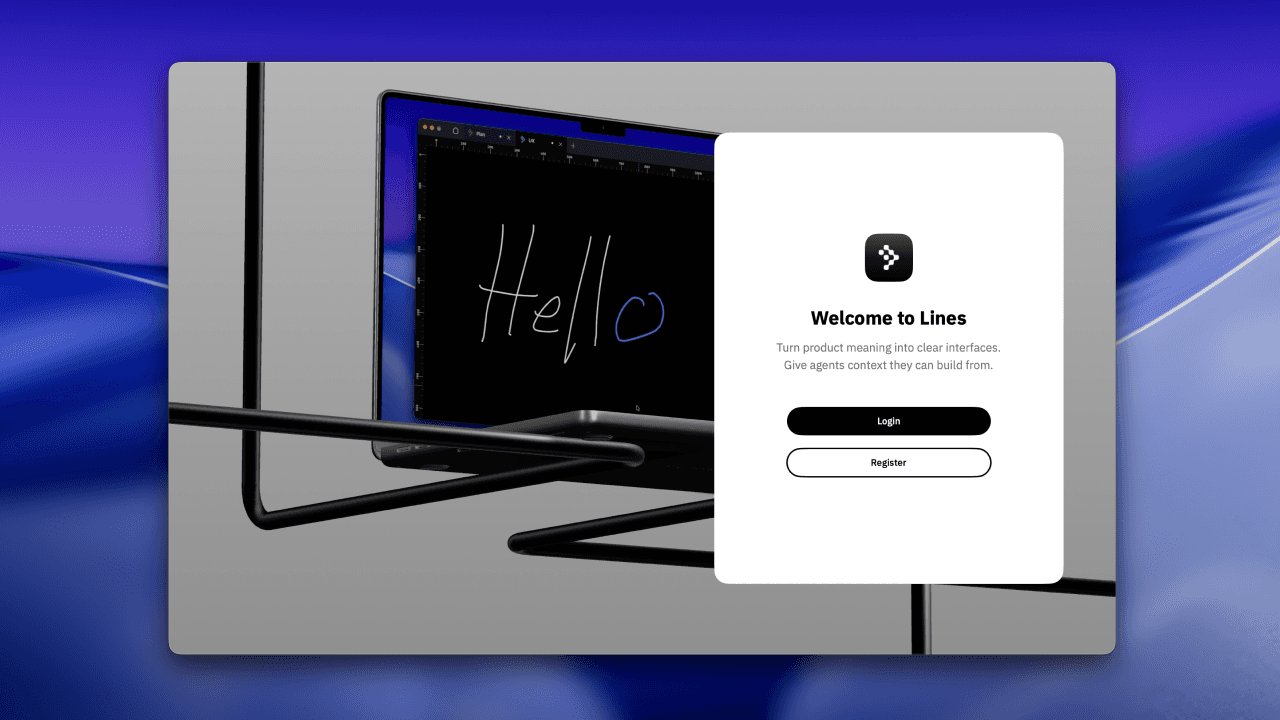
Native SwiftUI keeps the product fast, coherent, and familiar.
Local-first files stay on the Mac unless a customer explicitly shares them.
Automatic saving and reliable undo keep people in the creative flow.
New Features
Improvements
Bind designs and automate in minutes
Traditional design automation often begins with months of variables, component plumbing, and fragile setup.
Bind instead of rebuild
Create semantic Nodes for actors, tasks, objects, states, permissions, and rules.
Bind visual objects to those Nodes so a screen stays connected to its product logic.
Reuse the model across views, roles, devices, and states without rebuilding the reasoning.
Automation with context
ADAM recommends first-pass Views, missing states, bindings, and acceptance criteria.
Reinforcement-learning signals score whether outcomes match the intended product structure.
Human review keeps automation accountable and editable with familiar visual tools.
Minutes, not a year of setup
Draw UX directly on the canvas or model the workflow first.
Connect the important pieces and prepare structured Agent Pack context.
Move from rough idea to organized interface work in minutes—not a year of variable setup.
New Features
Improvements
Human-centered taskbar

Selection, Node, Section, Sticky Note, drawing, pen, view, and ADAM tools stay within reach.
Controls reveal what matters for the current job and get out of the way otherwise.
File tabs make room for readable names and focused Markdown work.
Draw UX before you model
Sketch directly on the canvas, move artboards, and organize the interface visually.
Bind the important objects to semantic Nodes when the interaction is ready.
Preserve states, rules, and product meaning while the design continues to evolve.